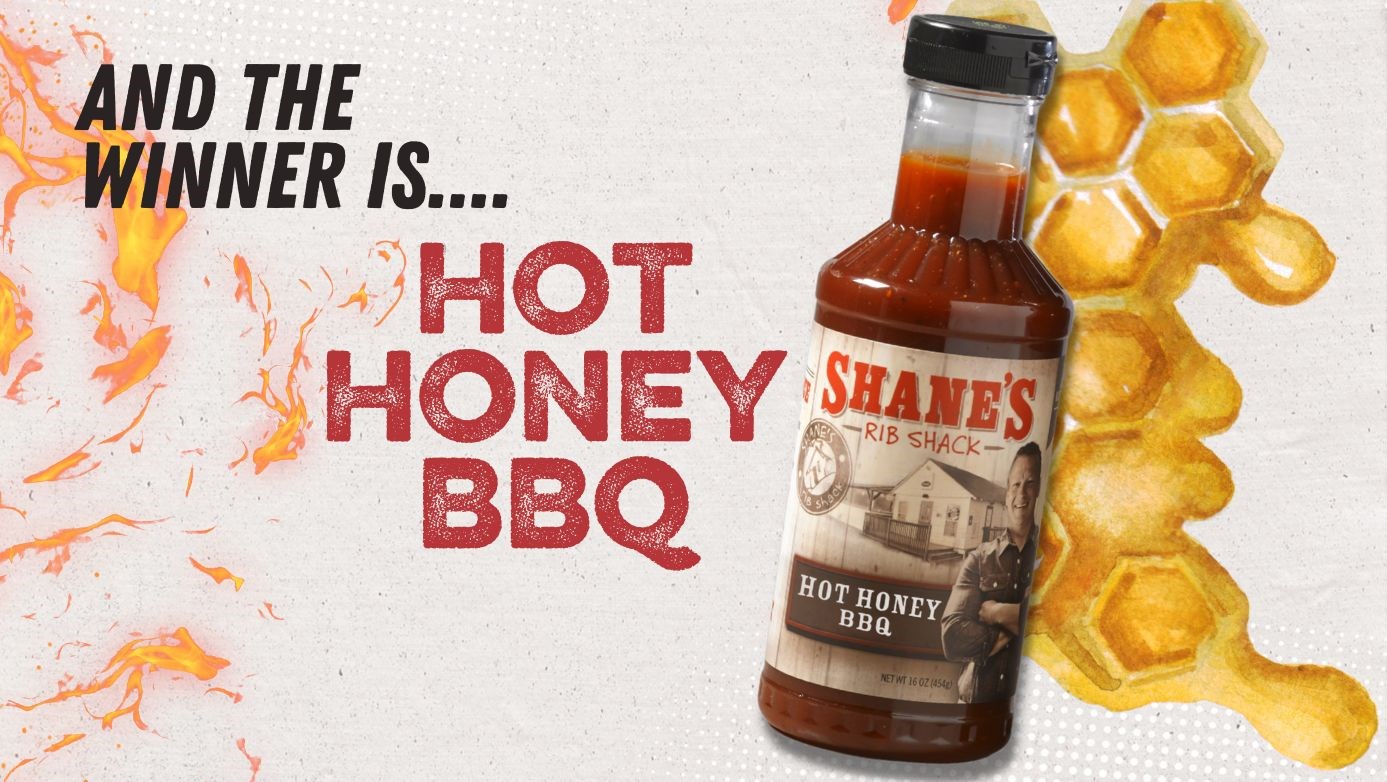
Introducing: HOT HONEY BBQ!
Try our new sauce:
hot honey BBq
Available March 20th for a limited time!
Pair it with Shane’s Fan Favorites:
Pork Melt
Wings
Shack Fries
Hand-breaded Tenders
for the ultimate WIN!
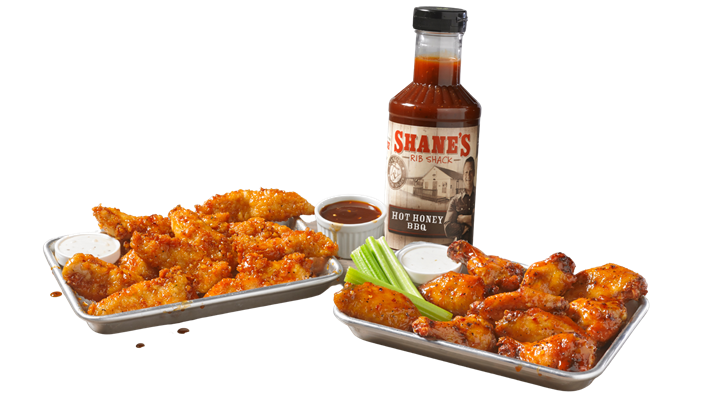
Order In-Store, Online, In-App starting March 20th, 2023!


PLUS…
Enjoy our $7.99 Shack Fries Fan Favorites Special available April 3rd – 7th, 2023!
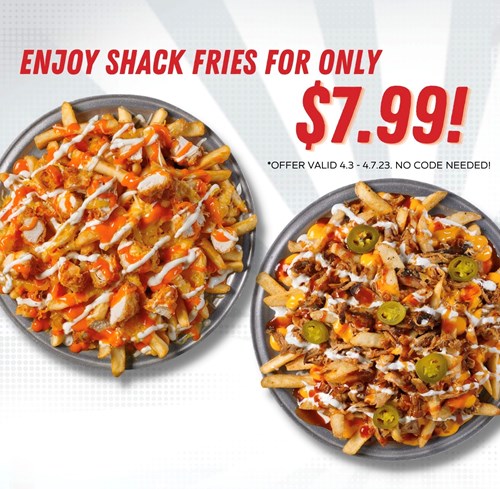
*No code needed. Valid 4/3/23-4/7/23.
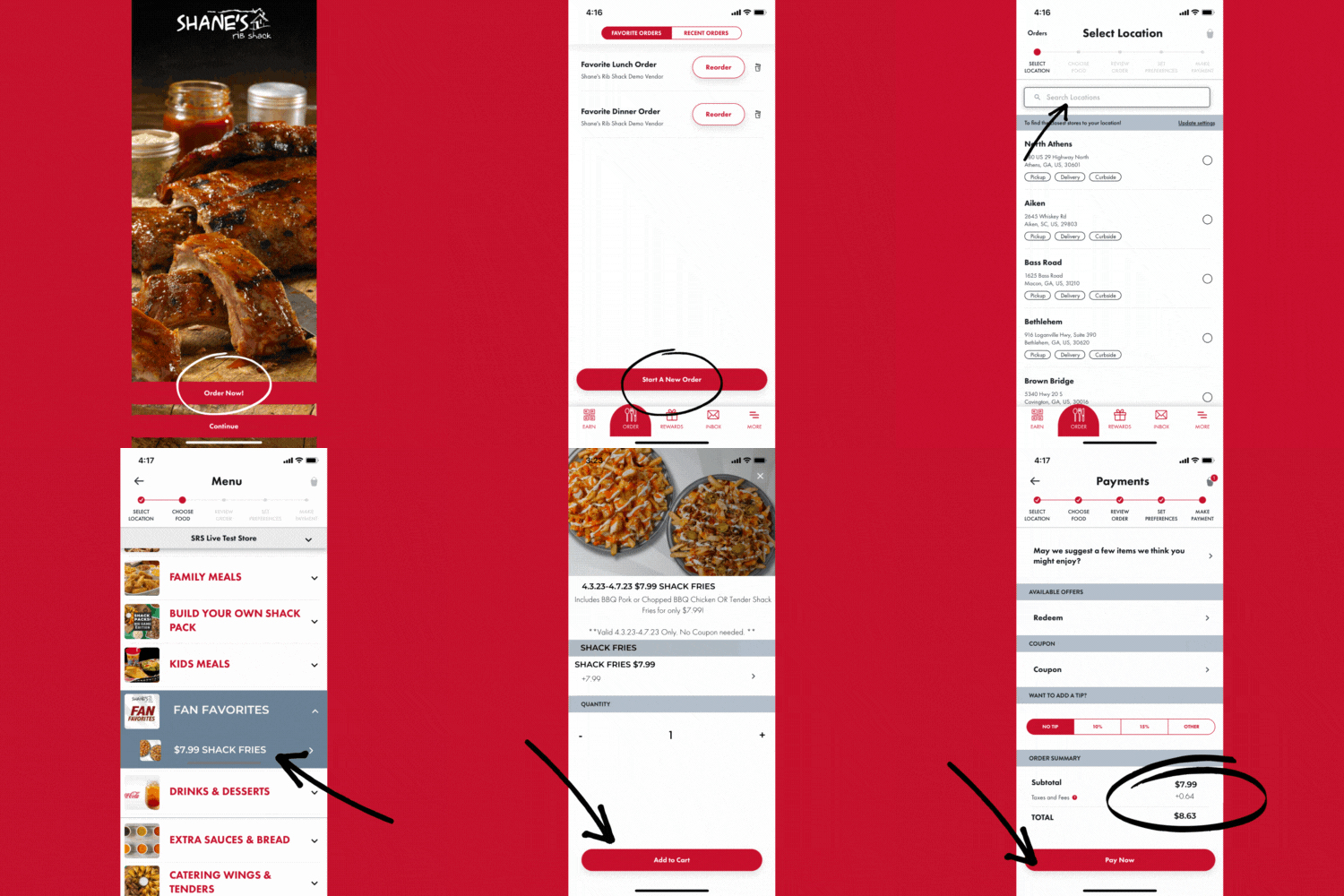
How to order the Shack Fries Special: ⬇️
In-store:
1. Order the “$7.99 Shack Fries Special” with our Shack Crew – no code needed!
1. Log-in into your App or go to order.shanesribshack.com via web browser
2. Begin your order & add “$7.99 Shack Fries Special” to your cart from the Fan Favorites Category.
3. Discounted price will be added automatically – no code needed
4. Check-out & enjoy!
Gain VIP Access & get an additional Fan Favs Offer!
Follow the directions below for opting in to SMS Text Notifications & join our Secret Text Club to earn double points on any order with a tossed item on April 25th, 2023!
Check your text opt-in status
- Open your Shane’s Rib Shack App and select the “MORE” tab.
- Select “My Account”
- Underneath your phone number, there will be a message indicating whether you are subscribed to SMS text offers, or if you are not.
Opting-in for text notifications as an existing user
- Select the “MORE” tab from the home screen in the app
- Then select “MY ACCOUNT” at the top left hand corner.
- Make sure email and push notifications are turned on. (Should be Toggled to the right)
- Text “START” to 21241.
Opting-In for text notifications as a NEW user
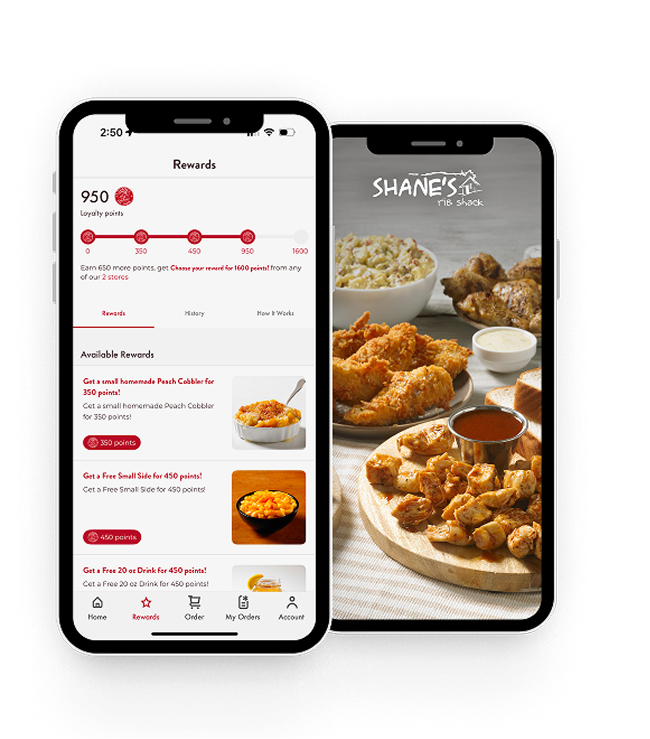
- Download the Shane’s App at app.shanesribshack.com
- At the “Sign Up” page when creating a new account, select “Yes” to text offers & alerts.
- Then reply “START” to the text confirmation.